Installation and commissioning process of J1939 to RP1226 cable
Many users often encounter issues such as data transmission abnormalities and diagnostic failures when using J1939 to RP1226 cables due to improper installation and debugging. In fact, as long as we follow a scientific installation and debugging process, we can effectively avoid these problems and ensure that the cable performs at its best. Installation and debugging can be divided into three core steps: preliminary preparation, on-site debugging, and later verification.
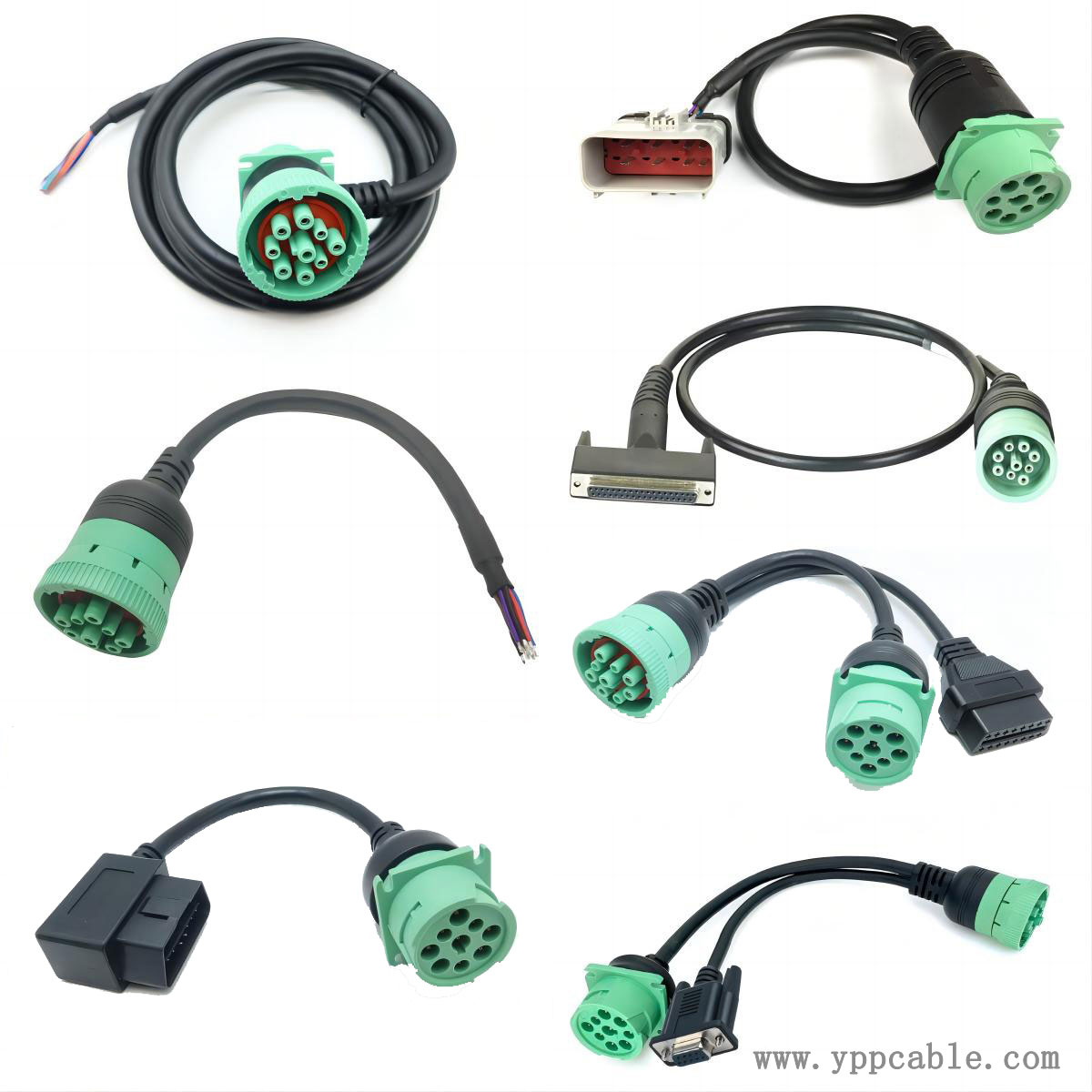
Preparation: Prepare the J1939 diagnostic tool and confirm that the diagnostic software supports the RP1226 protocol; Turn off the vehicle power and diagnostic equipment power to avoid equipment damage caused by live operation.
On site debugging: Insert one end of the cable into the RP1226 interface of the vehicle, align it with the buckle lock, and connect the other end to the diagnostic instrument; Start the vehicle and diagnostic equipment, open the diagnostic software, select the corresponding vehicle model and protocol type, and click "Connect Vehicle". If communication failure is prompted, check the contact status of the connector pins, whether the cable is damaged, or whether the diagnostic software protocol configuration is correct; If there is data loss, check if the cable routing is far away from the electromagnetic interference source.
Post validation: After successful debugging, the engine parameters, fault codes, and other data are read multiple times to confirm that there are no abnormalities before being put into normal use.
Contact: Kevin Yu
Phone:
E-mail: yppcable@126.com
Whatsapp:
Add: FL2,Bld 6, Hongte Industrial Park, Yongtou , Changan, Dongguan, Guangdong